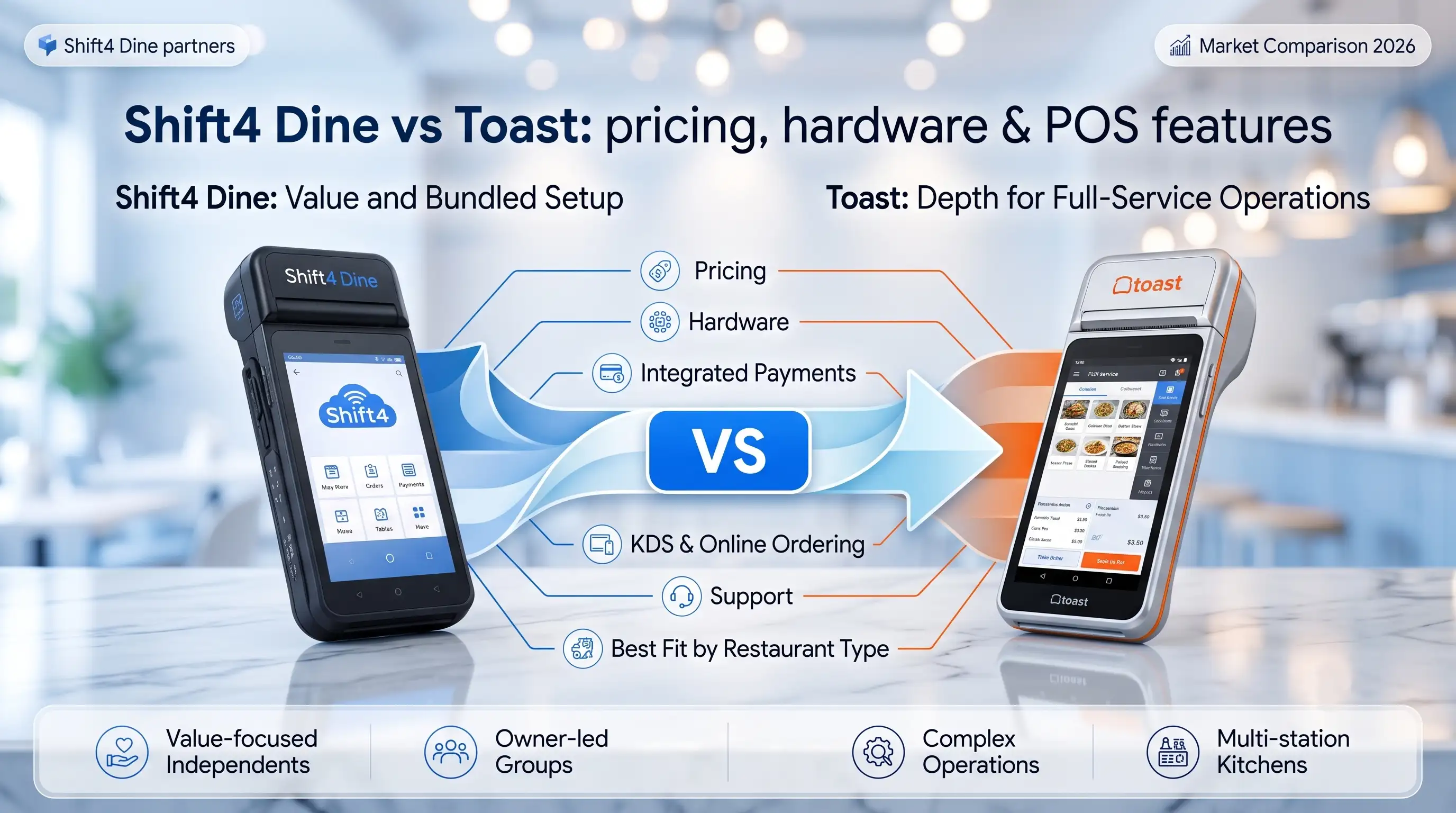
Shift4 Dine vs Toast: which restaurant POS fits your business?
TL;DR — The fast answer before you read further: Choose Shift4 Dine if you want bundled hardware, integrated payments, and



This article provides general information about POS hardware costs and is not a substitute for vendor-specific pricing consultations. Prices and processing rates change — verify current figures directly with vendors before making purchasing decisions.
“Every week I talk to restaurant owners who bought a POS bundle based on the sticker price — and only later figured out what they actually paid for. The hardware cost is just the entry ticket. What happens after that is where the real money goes.” — Max Artemenko, Smart Payment Solutions (USA)
Restaurant POS hardware is purpose-built computer equipment for hospitality operations — not consumer-grade tech adapted for a restaurant environment. Terminals, payment processors, printers, and kitchen displays connect into a unified system where an order placed at the table triggers a chain reaction through KDS, kitchen printer, and payment terminal without manual handoffs.
The four vendors that dominate the US market in 2026: Toast (approximately 35% of US restaurant market share, per Toast Q4 2025 earnings), Square (Block Inc., approximately 28%), Lightspeed (approximately 15%, per 2025 Gartner Magic Quadrant for Restaurant POS), and Oracle Simphony (enterprise segment leader, per IDC 2026 POS report). SkyTab, operating within the Shift4 ecosystem, has built a strong position specifically in full-service restaurants and multi-unit operations.
All modern systems use the same basic interconnection logic: the terminal acts as the hub, aggregating inputs from peripherals and routing payment authorization via API to processors. The difference between vendors is not the concept — it’s the hardware architecture, software lock-in, and what happens when something breaks at 7 PM on a Friday.

A standard restaurant POS hardware bundle ships ready to deploy: touchscreen terminal, thermal receipt printer, cash drawer with electronic lock, and an EMV-compliant payment terminal. Everything else — handheld devices, kitchen displays, customer-facing screens — is either bundled at higher tiers or sold as add-ons.
Bundles save 15–25% versus buying components individually and compress deployment from 2–3 weeks to 3–5 days. That said, bundles can include components you don’t need. A food truck doesn’t need a KDS. A counter-service QSR doesn’t need four handheld devices. The savings disappear fast if you’re paying for hardware that sits in a box.
| Componente | Bundle Price | Individual Price |
|---|---|---|
| POS Terminal (15″) | Included | $600–$1,200 |
| Impresora de recibos | Included | $200–$600 |
| Cajón de efectivo | Included | $150–$400 |
| Payment Reader (EMV) | Included | $100–$300 |
| KDS (optional) | $800–$1,500 add-on | $800–$2,500 |
| Handheld Device (optional) | $300–$500 add-on | $400–$800 |
| Total (without KDS/handheld) | $2,500–$5,000 | $3,500–$6,500 |

The terminal is the operational center. Modern restaurant terminals run 7–15″ capacitive touchscreens with anti-glare coatings. Pricing ranges from $400 for entry-level 7″ units to $1,200 for 15″ commercial-grade terminals with integrated payment processing. Customer-facing displays (7–10″) show order totals and payment status, reducing transaction disputes.
“From my experience, the terminals that hold up in a busy bar or QSR are the dedicated commercial units, not iPad-based setups.” — Max Artemenko, Smart Payment Solutions
Consumer hardware isn’t built for 12+ hours of daily use in a high-humidity, high-touch environment. That’s not an opinion — it’s what you see after the third month of service.
| Tipo de dispositivo | Screen Size | Typical Price | Best For |
|---|---|---|---|
| Main POS Terminal | 10–15″ | $400–$1,200 | All service types |
| Pantalla orientada al cliente | 7–10″ | $150–$400 | Counter service, QSR |
| Terminal portátil | 7–10″ | $300–$800 | Table service, bars |
| Kitchen Display (KDS) | 21–55″ | $800–$2,500 | Full-service, fine dining |
Handheld devices let servers take orders and process payments at the table. In the SkyTab deployments I’ve worked on, tableside ordering consistently reduces ticket times and order errors — especially during peak hours when servers are managing 6–8 tables simultaneously.
Handheld bundles run $300–$800 per device and include a protective case, charging dock, and payment reader. Most 50-table full-service restaurants need 3–5 units. The devices sync in real-time with the main terminal and support offline mode for 2–4 hours. Battery life: look for 8–12 hours minimum.

KDS replaces printed kitchen tickets with digital screens. According to a 2023 Toast POS analysis of 500 US restaurants, KDS reduced order errors by 28% and cut ticket times by 15%. The NRA Kitchen Efficiency Report (2024) puts the threshold at 100+ daily covers — above that volume, a KDS pays for itself within 6–12 months.
KDS units cost $800–$2,500 depending on screen size (21–55″) and software features. Thermal receipt printers run $200–$600. Most restaurants deploy both: KDS for the kitchen, printer for customer receipts and as a backup if the display goes down.
Thermal printers are the industry standard — 250mm/sec print speed, under 45dB noise, paper costs around $0.01 per meter (POSGuys comparison, 2024). Impact printers (Epson TM-U220: $150–$350) are slower at 75mm/sec and louder at 65dB, but support multi-copy receipts for some bar setups. Thermal is 3–4x faster and 15–30dB quieter (CDW whitepaper, 2022).

Toast bundles start at approximately $2,500 for a single-terminal entry configuration and scale to $8,000+ for multi-terminal setups. The hardware is proprietary — tight integration and priority support, but complete vendor lock-in. If you switch POS providers later, the hardware doesn’t come with you.
The base bundle includes a 15″ touchscreen terminal, thermal printer, cash drawer, and payment reader. Toast supports offline mode with local server backup. Installation and training typically add $500–$1,500.
Toast’s pricing structure has shifted toward software subscriptions in recent years. Always request a full 3-year cost breakdown before signing.
For current Toast hardware pricing, verify directly at toasttab.com/pricing — pricing changes frequently and varies by market.
Square takes a different approach: lower hardware cost, higher processing fees. iPad-based setups start around $500–$1,000 (Square Register with stand). Dedicated Square terminals run $3,000+.
Square charges 2.6% + $0.30 per in-person transaction on its standard plan. For a full-service restaurant doing $80,000/month, that’s $2,110/month in processing fees — $75,960 over 3 years. Square’s strength is simplicity and low barrier to entry. Its limitation is scalability — the platform works well up to around 30–40 tables or high-volume QSR operations.
SkyTab bundles range from $3,500 to $10,000+ depending on configuration. The standard package for a full-service restaurant includes a 15″ main terminal, 2–3 handheld devices, thermal printer, and cash drawer — a more complete out-of-the-box setup than Toast or Square at comparable price points.
What separates SkyTab operationally: tableside ordering, tableside payment, and real-time sync are built into the core product, not add-ons. Hardware warranty covers 3 years — longer than Toast’s standard 1-year coverage.
Shift4 Dine also offers free hardware for qualified restaurants through Shift4’s merchant processing program. At $60,000+/month in card volume, this is often a strong deal. At lower volumes, run the numbers carefully.
“Max and his team made the conversion seamless. The system itself is so user friendly — and their 24-hour customer service means any issue gets resolved the same day.” — SkyTab client review, Trustpilot
| Parameter | Toast | Square | SkyTab |
|---|---|---|---|
| Starting bundle price | ~$2,500 | ~$500 (iPad) / $3,000+ (dedicated) | ~$3,500 |
| Base bundle includes | Terminal, printer, cash drawer, reader | Terminal/iPad, reader, printer | Terminal, 2–3 handhelds, printer, cash drawer |
| Modo sin conexión | ✔ (local server backup) | Limited | ✔ |
| Standard warranty | 1 year | 1 year | 3 years |
| Typical installation cost | $500–$1,500 | $0–$500 | Varies; often included |
| Free hardware option | No | No | Yes (with processing agreement) |
Buying a bundle saves 15–25% compared to sourcing individual components separately. Bundles also compress deployment time from 2–3 weeks to 3–5 days.
The exception: small operations with specific needs. A food truck that needs only a tablet and a card reader doesn’t benefit from a bundle that includes a cash drawer and kitchen printer. Browse the full POS hardware catalog to compare options.
Entry-level bundles cost $1,500–$2,500 and include a single 7″ terminal, thermal printer, and payment reader. Square Register ($500–$1,000), Clover Mini (~$1,200), and Toast Go (~$1,500) are the typical options. No KDS, no handheld devices, no offline mode in most cases. Deployment takes 1–2 days.
Mid-range bundles cost $3,500–$6,000 and support 20–50 table operations. Typical configuration: 15″ main terminal, 2–3 handheld devices, thermal printer, cash drawer, basic KDS. Toast ($3,500–$5,000), SkyTab ($4,000–$6,000), and Square with add-ons ($3,000–$5,500) all compete at this tier. Deployment takes 1–2 weeks; staff training runs 8–16 hours.
Enterprise bundles start at $8,000–$20,000+ per location. Toast Enterprise runs $10,000–$15,000 per location; SkyTab Enterprise $12,000–$18,000; Lightspeed enterprise kits $15,000–$22,000 per outlet (Lightspeed 2025 case study data). Deployment takes 4–8 weeks. Adding a new location to an existing enterprise setup typically costs 70–80% of the initial installation cost.

Professional installation costs $300–$1,500 depending on complexity. A single-terminal counter setup runs $300–$500. A multi-terminal configuration with KDS and network setup costs $1,000–$1,500. Some vendors include installation for bundles over $2,000.
Always confirm in writing whether installation is included in your bundle price. I’ve seen restaurants surprised by a $1,200 POS installation invoice that wasn’t in the initial quote. Yes, that happens more often than it should.
This is where the real money hides. Standard processing rates run 2.6–3.5% per transaction plus $0.30 per card payment. On top of that: monthly gateway fees ($10–$50), PCI compliance fees ($50–$300/year), and additional charges for specific payment types at $0.50–$2.00 per transaction.
A full-service restaurant processing $60,000/month at 2.6% + $0.30 pays approximately $1,710/month in base processing fees. Over 3 years: $61,560.
Processing fees will exceed your hardware investment within 12–18 months in most cases. That’s the number that should drive your vendor decision — not the bundle sticker price.
This is why the “free hardware” offers from SkyTab and similar programs deserve serious evaluation — the economics often favor a processing agreement over an upfront hardware purchase, especially at higher volumes. Learn more about how the free hardware model works.
Standard hardware warranty: 1 year. Extended warranties (2–3 years) cost $200–$500 per terminal. Monthly support contracts run $50–$200/month. Over 3 years, support and maintenance realistically adds $1,800–$7,200 to your total cost.
Shift4 Dine’s 3-year standard warranty is a meaningful differentiator — it reduces the risk of unexpected repair costs during the period when hardware is most likely to develop issues.
Shipping costs for hardware bundles range from $50–$300 depending on location and carrier. Sales tax (0–10% depending on state) applies to hardware purchases but not to software subscriptions in most states. Some vendors offer free shipping for orders over $3,000.
⚠️ Before signing any POS contract: Request a complete itemized cost breakdown including installation, shipping, tax, processing fees, and support contracts. A bundle advertised at $3,500 can realistically land at $5,000–$5,500 all-in before you process a single transaction.
TCO is the number that actually matters — not the bundle price on the vendor’s website. A typical mid-range setup breaks down like this over 3 years:
The hardware is roughly 6–9% of that total. Processing fees are 80%+. If you’re optimizing your POS decision purely on hardware cost, you’re looking at the wrong number.
Per Toast POS pricing data (toasttab.com/pricing, 2024) and Square for Restaurants documentation (squareup.com, 2023), mid-size restaurant software subscriptions run $1,000–$2,500 annually. Processing at 2.6% on $500K annual revenue adds approximately $13,500/year (Lightspeed Commerce analysis, lightspeedhq.com/blog/restaurant-pos-costs, 2024). See SkyTab pricing for a direct comparison.
| Restaurant Type | Hardware | Software (Annual) | Processing (Annual) | Support (Annual) | Annual Total |
|---|---|---|---|---|---|
| QSR | $2,000–$3,500 | $600 | $8,000–$12,000 | $800 | $11,400–$16,900 |
| Servicio completo | $4,000–$6,000 | $1,200 | $12,000–$18,000 | $1,200 | $18,400–$26,400 |
| Fine Dining | $8,000–$12,000 | $2,000 | $15,000–$25,000 | $2,000 | $27,000–$41,000 |
Hardware cost amortized over 3 years. Processing based on typical volume by segment.

Wireless handheld devices run $300–$800 per unit. iPad-based solutions (Square, Toast Go) cost $300–$600; dedicated Android terminals (SkyTab handheld, similar) run $400–$800. Battery life: 8–12 hours. Offline mode: 2–4 hours.
Deployment math: 1 handheld per 10–15 tables. A 50-table restaurant needs 3–5 devices. Above 25–30 tables, handhelds consistently reduce ticket times and server steps enough to justify the cost.
EMV compliance is not optional. The liability shift (effective October 2015, per Visa EMV Liability FAQ, usa.visa.com) means merchants without EMV-compliant terminals bear 100% of fraud losses — US average $37,000 per breach.
Standalone EMV readers: $100–$300 (MagTek uPad: $129–$199; ID Tech Augura: $249–$299). Integrated terminals: $400–$1,000 (Verifone VX520: $499–$699; Ingenico Desk/5000: $799–$999). Most modern POS hardware bundles include EMV-compliant readers.
Portable readers (Square Reader, Clover Go) cost $50–$200 and connect via Bluetooth to smartphones or tablets. Processing fees run slightly higher — typically 2.75% + $0.15 per transaction. No offline mode. These work for food trucks, catering events, and delivery drivers — not as a primary POS for any real table volume.

Thermal printers are the standard choice: 250mm/sec print speed, under 45dB noise, paper cost approximately $0.01 per meter (POSGuys comparison, 2024). Star Micronics TSP143III runs $50–$150 at retail. Impact printers (Epson TM-U220: $150–$350) are slower (75mm/sec), louder (65dB), and use ribbons — still used in some bar setups where multi-copy receipts matter. See receipt printer options for current models.
KDS units cost $800–$2,500 depending on screen size (21–55″) and software features. The operational data is consistent: 28% fewer order errors and 15% faster ticket times (Toast POS Analysis, 2023, 500 US restaurants). QSR Magazine field testing (2024) found 22% labor savings with KDS versus paper tickets in fast-casual chains. KDS installation requires network setup and 4–8 hours of staff training.
Cash drawers run $150–$400 for standard units, $400–$600 for heavy-duty. Integration with POS software triggers automatic opening on cash payment completion, reducing cash handling errors. Connectivity: RJ-11 (through receipt printer) or USB (direct to terminal).
Barcode scanners run $100–$400. Handheld wireless scanners ($200–$400) support 1D and 2D barcodes. Fixed counter-mount scanners ($100–$200) are faster for high-volume counter service. Integration with POS software enables real-time inventory updates and low-stock alerts.
Buying outright means you own the hardware — no monthly equipment fees, no contract restrictions on switching software. Tax depreciation applies in most cases (IFRS 16 and ASC 842 govern equipment useful life treatment). The downside: $2,500–$10,000+ upfront is a real capital commitment, and hardware becomes outdated within 3–5 years.
HaaS runs $100–$300/month per location and bundles hardware, support, maintenance, and replacement into one payment. Standard contracts run 3–5 years. The math over 3 years: $100–$300/month × 36 months = $3,600–$10,800 total — often more expensive than buying outright, but preserves cash flow for new or growing operations.
Some vendors offer hardware at no upfront cost in exchange for a long-term processing agreement. The hidden costs: processing rates of 3.5–4.5% instead of the standard 2.6–3.5%, minimum monthly volume requirements ($200–$500), and early termination penalties of $1,000–$5,000.
The calculation: a restaurant processing $60,000/month at 3.5% instead of 2.6% pays an extra $540/month — $19,440 over 3 years. That’s significantly more than most hardware bundles cost. Fees eat margin. This is the markup trap most owners don’t see until year two.
Shift4 Dine’s free hardware program through Shift4 is structured differently — the processing rates are competitive rather than punitive, and the economics can genuinely favor this model at sufficient volume. Run your actual numbers.
| Parameter | Upfront Purchase | Leasing / HaaS | “Free” Hardware |
|---|---|---|---|
| Initial cost | $2,500–$10,000+ | $0 | $0 |
| Monthly payments | $0 (software only) | $100–$300 | Higher processing rate |
| Total 3-year cost | Hardware + processing | $3,600–$10,800 + processing | Processing premium $6,000–$20,000+ |
| Repair responsibility | Owner (after warranty) | Vendor | Vendor |
| Flexibility | High | Medium (contract terms) | Low (termination penalties) |
Four questions that determine the right model:
iPad-based systems (Square, Toast Go, Clover) use commercial tablets with POS software installed. Entry cost: $500–$1,500. The interface is familiar, setup is fast, and portability is high.
The limitations show up in production: battery life runs 8–10 hours, no integrated payment terminal, and consumer hardware isn’t rated for 12+ hours of daily use in a restaurant environment.
Dedicated terminals (Toast, SkyTab, Oracle Micros) are engineered for restaurant environments. 99.5–99.9% uptime versus 95–98% for iPad-based systems. Offline mode runs 8–24 hours versus 2–4 hours. Battery life 12–16 hours. Integrated payment processing, no separate reader required.
| Parameter | iPad-Based | Dedicated Terminal |
|---|---|---|
| Transaction processing speed | 2–3 sec | 1–2 sec |
| Reliability (uptime) | 95–98% | 99.5–99.9% |
| Offline mode duration | 2–4 hours | 8–24 hours |
| Battery life | 8–10 hours | 12–16 hours |
| Hardware cost | $500–$1,500 | $2,500–$5,000 |
| Integrated payment terminal | No (separate reader) | Yes |
Counter-service operations with limited hours can run iPad-based systems effectively. Full-service restaurants, bars, and any operation above 150 daily covers should use dedicated terminals.
Wired Ethernet provides 99.9% uptime and is the right choice for main terminals. Cable installation runs $500–$2,000. Wireless (Wi-Fi 5/6) gives handheld devices the mobility they need, but requires a reliable router ($200–$500) and careful placement.
Each POS terminal needs 1–2 Mbps for payment processing and data sync. The recommended total for a mid-size restaurant: 25–50 Mbps, with POS traffic prioritized via QoS settings on your router. See POS network requirements for a detailed setup guide. Commercial internet plans in the US run $100–$300/month with 99.5% uptime guarantees.
| Installation Type | Scope | Typical Cost |
|---|---|---|
| Simple setup | 1 terminal, counter service | $300–$500 |
| Standard setup | 3–5 terminals + KDS | $800–$1,500 |
| Complex setup | 10+ terminals, multi-location | $2,000–$5,000 |
Always confirm in writing whether POS installation is included in your bundle price.
Each additional location adds 20–30% to deployment complexity and cost. A 5-location deployment typically runs $5,000–$15,000 in total installation and configuration costs, taking 4–8 weeks. Centralized management platforms (SkyTab Manager, Toast Central) allow menu updates, pricing changes, and reporting across all locations from one interface.
The most common mistake in multi-location deployments: treating each location as a separate project. Standardizing hardware configurations across locations before deployment saves significant time and reduces support costs long-term.
For chains and franchises, Wi-Fi 6 is recommended for high-density device environments. Verify that your chosen platform supports centralized management before committing — not all lower-cost systems do.
[ИНФОГРАФИКА: Пошаговый процесс установки — 1) Сетевая конфигурация, 2) Монтаж оборудования, 3) Подключение периферии, 4) Тестирование, 5) Обучение персонала, 6) Запуск]
Standard manufacturer warranty: 1 year. Extended warranties (2–3 years) run $200–$500 per terminal. Monthly support contracts run $50–$200/month. Over 3 years, support and maintenance adds $1,800–$7,200 to your total cost.
Shift4 Dine’s 3-year standard warranty is the strongest baseline coverage in the market at this price tier. Preventive maintenance (cleaning, software updates, hardware inspection) costs $50–$150/month and prevents approximately 80% of hardware failures, per vendor documentation from NCR and Ingenico.
Annual consumables budget per terminal: $500–$1,500 (thermal paper, cleaning supplies, battery replacements). These costs are consistently underestimated in initial budgeting — I’ve seen it happen in almost every first deployment.
Typical replacement cycle: 3–5 years for restaurant-grade POS hardware. Upgrade cost runs 50–70% of new hardware price. Some vendors offer trade-in programs that reduce upgrade costs by 20–30%. Plan your replacement cycle before you need it — a terminal that fails unexpectedly during a busy weekend costs far more in operational disruption than a planned upgrade.
Start with your service model: counter-service, table-service, or hybrid. Counter-service needs 1–2 fixed terminals and a printer. Table-service needs 3–5 terminals, 2–4 handheld devices, and a KDS for any operation above 20 tables.
Map your peak hour: how many simultaneous orders does your kitchen handle? How many servers are on the floor? Those numbers determine terminal count and handheld device requirements.
Terminal count formula: 1 terminal per 15–20 tables for table-service; 1 terminal per 30–40 customers/hour for counter-service. KDS threshold: mandatory above 100 daily covers or 10+ kitchen stations (NRA Kitchen Efficiency Report, 2024). Handheld devices: 1 per 10–15 tables.
Verify: supported operating systems, network connectivity requirements, payment gateway integration, and offline mode capability. PCI DSS v4.0 (PCI Security Standards Council, 2022) mandates EMV Level 1/2 certification for payment terminals — confirm your hardware meets this before deployment. Per NIST SP 1800-15 (2020), document your system acquisition requirements before vendor selection.
Don’t compare bundle prices. Compare 3-year TCOs. Hardware cost is 6–15% of total 3-year spend for most restaurants. Processing fees are 75–85%. A vendor with slightly higher hardware cost but lower processing rates will almost always be cheaper over 3 years.
12-point POS Hardware Selection Checklist (derived from NIST SP 1800-15 and PCI SSC guidelines, 2022–2023):
Max Artemenko is a POS Systems Expert & Product Architect with 12+ years of experience in POS systems and payment technology in the US market. He specializes in Shift4 Dine implementations for restaurants, bars, and multi-location operations through Smart Payment Solutions (USA). This guide reflects practical experience across dozens of restaurant POS deployments and is updated May 2026.
This article provides general information about POS hardware costs and is not a substitute for vendor-specific pricing consultations. Prices and processing rates change — verify current figures directly with vendors before making purchasing decisions.
TL;DR — The fast answer before you read further: Choose Shift4 Dine if you want bundled hardware, integrated payments, and
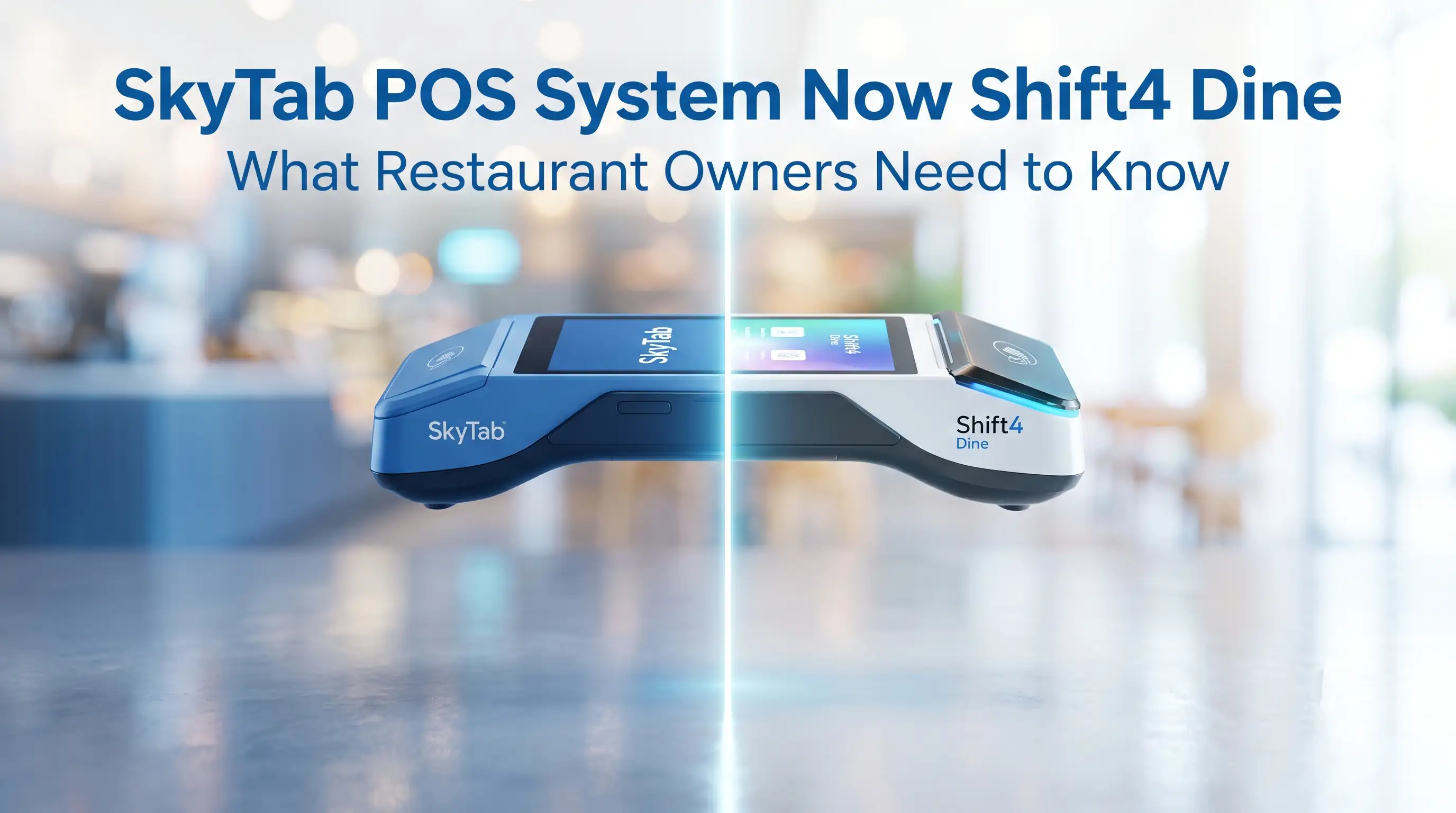
TL;DR: Shift4 Dine POS System (formerly SkyTab POS) is now officially presented as Shift4 Dine — same platform, same hardware, same 24/7 US-based support,




|
Other | Other | Other | |
|---|---|---|---|---|
| Upfront Hardware & Software | $0.00 | $5,750.00 | $3,358.00 | $3,798.00 |
| Instalación + Entrada al Menú | $0.00 | $999.00 | No ofrecido | No ofrecido |
| Monthly Support* | $79.98 | $240.00 | $200.00 | $249.00 |
| Total 1st Year Cost | $959.76 | $9,629.00 | $5,758.00 | $6,786.00 |
| Total 3rd Year Cost | $2,879.28 | $15,386.00 | $10,558.00 | $12,762.00 |